Water-Damaged iPhone in Dubai? The First 30 Minutes Matter Most
Published | Last updated | By My Celcare JLT
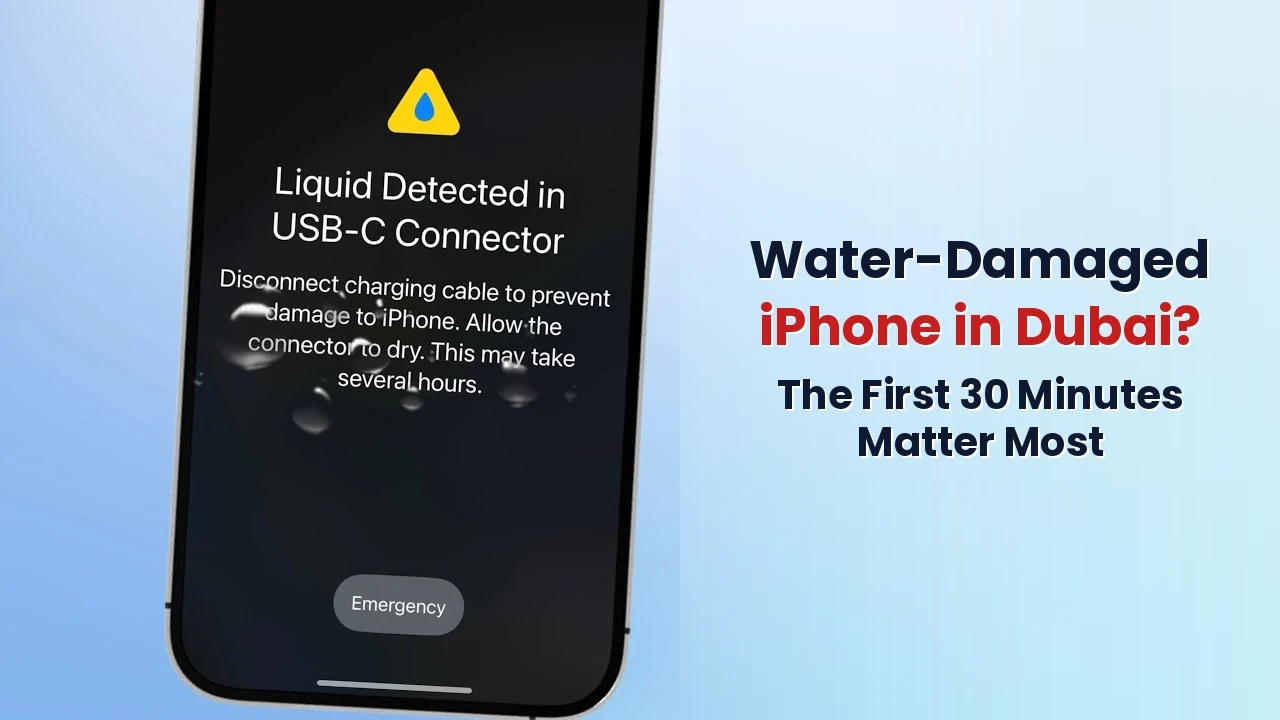
You pull your iPhone out of the pool, the kitchen sink, the toilet, or your coffee cup, and your stomach drops. The screen flickers. The speaker crackles. Or worse, the device goes completely black.
What you do in the next 30 minutes will decide whether your iPhone survives or becomes a paperweight. This guide walks you through the exact steps the certified technicians at My Celcare JLT recommend, based on 14 years of recovering water-damaged iPhones across Dubai.
Read fast. Act faster.
The Real Threat: Why the First 30 Minutes Matter So Much
Water and electronics do not mix, but the real damage is not the water itself, it is corrosion. The moment liquid touches the logic board, oxidation begins. Within 30 to 60 minutes, microscopic copper traces start to dissolve. Within a few hours, those traces break completely.
Once corrosion sets in, even a perfect drying job will not save the phone. That is why every minute counts.
Apple's water resistance rating (IP67 or IP68) only applies to fresh water under controlled lab conditions, and the seal weakens with normal wear. So even if your iPhone is rated waterproof, assume the worst the moment liquid touches it.
The First Response: 5 Steps to Take Immediately
Step 1: Remove the iPhone from Water Right Away
Get the phone out of the liquid as fast as you can. If the device is plugged in, switch off the power source first. Never reach into water that touches a live cable.
Hold the iPhone with the charging port facing downward. Do not shake it violently, gentle taps against your palm work best.
Step 2: Power It Off (Even if It Still Works)
This step saves more iPhones than any other. A wet phone that keeps running short-circuits its own logic board.
- On Face ID models: press and hold the side button + either volume button, then drag the slider.
- On Touch ID models: press and hold the side button, then drag the slider.
If the screen does not respond, force shutdown by pressing volume up, pressing volume down, then holding the side button until the screen goes black.
Do not press the home button or volume keys repeatedly to test if it works. Each tap pushes water deeper inside.
Step 3: Disconnect Everything
Unplug any cable. Remove the case, the screen protector, and the SIM card tray. Apple's official guidance is clear: do not charge a wet iPhone for at least 5 hours, and never insert a Lightning or USB-C cable while moisture remains in the port.
If your iPhone shows a Liquid Detected warning when you connect a charger, respect that alert. Charging a wet phone causes the connector pins to corrode permanently.
Step 4: Dry the Outside Properly
Use a soft, lint-free cloth (a lens cloth works perfectly). Wipe down every surface, the speaker grills, the camera lenses, and the charging port opening.
Now place the iPhone upright in a dry room with airflow. A small fan blowing cool air toward the charging port helps. Leave it for at least 30 minutes before doing anything else.
Step 5: Get Professional Help Within 24 Hours
This is the single most important decision you will make. Even if your iPhone seems to work after drying, invisible corrosion is already forming inside. The phone may run for two days, two weeks, or two months, and then suddenly die with no warning.
Acting fast saves your data, your battery, and your motherboard. Booking professional iPhone repair in Dubai within 24 hours dramatically improves recovery odds. After 48 hours, the success rate drops sharply.
What NOT to Do (These Mistakes Kill iPhones Daily)
These myths sound harmless. They are not.
- Do not put your iPhone in rice. Apple officially advises against this. Rice traps starch particles inside the ports and absorbs almost no internal moisture. It buys you time while corrosion eats the logic board.
- Do not use a hairdryer or heat gun. Heat warps the logic board, melts adhesive seals, and accelerates corrosion. Cool airflow only.
- Do not press buttons to check if it works. Each press creates a vacuum that sucks water deeper inside.
- Do not charge it. Even if the screen looks fine, the connector pins will corrode the moment current passes through wet contacts.
- Do not shake it aggressively. Gentle taps with the port facing down, that is all.
- Do not open the device yourself. Removing the screen breaks the waterproof seal forever and voids any chance of a clean professional repair.
If you have already done one of these, do not panic. Stop now and bring the device to a professional immediately.
Moisture Inside the iPhone: What Actually Happens
People picture water damage as a phone that stops working the instant it gets wet. That is rarely how it goes. Liquid enters through the speaker mesh, the charging port, the SIM tray gap or a failed seal, and then it sits there. The screen may look perfect. Underneath, an electrochemical reaction has already started between the moisture, the voltage still present on the board and the exposed copper of the traces.
This is the part most guides skip: drying the phone does not undo the chemistry. Evaporation removes the water but leaves the dissolved minerals, salts and sugars behind as a conductive residue. That residue keeps absorbing humidity from the air, which is why a phone that seemed fine in May fails in August. What kind of liquid got in matters as much as how much:
| Liquid | Corrosion risk | Why it behaves this way |
|---|---|---|
| Sea water | Severe | Salt is conductive and hygroscopic. It keeps drawing moisture from the air long after the phone looks dry, so corrosion continues for weeks. Rinse-and-run is never enough. |
| Chlorinated pool water | High | Chlorine and pool chemicals leave a residue that attacks solder joints and connector pins even at low concentrations. |
| Coffee, tea, juice, soft drinks | High | Sugar and acid. The liquid dries into a sticky, conductive film that bridges contacts on the logic board and traps further moisture. |
| Toilet or sink water | Moderate to high | Usually fresh, but carries minerals and bacteria that leave deposits as it evaporates. |
| Clean fresh water | Moderate | The least aggressive, but still conductive while wet, and still enough to start oxidation on exposed copper. |
| Humidity and condensation | Slow but real | No splash needed. Dubai humidity entering through a failed seal or a cracked panel corrodes gradually, which is why faults appear weeks after the event. |
Dubai adds a second problem. Ambient humidity here regularly sits above 60 per cent, and coastal air carries salt. A phone with a compromised seal is not drying out in this climate, it is being topped up. That is why we treat any liquid exposure in the UAE as more urgent than the same incident would be in a dry inland city.
Signs Moisture Is Still Inside Your iPhone
Moisture trapped in the chassis announces itself in small ways before it kills anything. If you recognise any of these after a spill, splash or humid day, assume liquid is still present:
- A Liquid Detected or Charging Not Available alert when you plug in. iOS senses moisture across the connector pins and cuts charging to protect them.
- Fog or condensation under the camera lens or behind the screen. Visible water vapour inside a sealed chamber means the seal has failed.
- Muffled, crackly or distorted speaker audio. Water sitting in the speaker chamber damps the diaphragm.
- Callers say you sound distant. A wet microphone port is one of the earliest symptoms.
- Ghost touches or unresponsive patches on the display, caused by moisture bridging the digitiser layers.
- The battery drains far faster than usual or the phone runs warm doing nothing, both signs of a small short drawing current.
- The charging cable only works at certain angles, which points to corroding pins in the port.
- A pink or red Liquid Contact Indicator in the SIM tray slot. It is white when dry and stains permanently on contact with liquid.
One symptom is enough to justify a free diagnostic. None of these resolve on their own, and every one of them means residue is already sitting somewhere on the board.
The Real Repair Process: How We Save Water-Damaged iPhones
At My Celcare JLT, we do not just dry your iPhone. Real water damage repair is a multi-stage process performed under microscope-level magnification.
- Free diagnosis. We open the device, inspect the Liquid Contact Indicators (LCIs), and assess corrosion on the logic board, battery connector, charging port, and display flex cables.
- Ultrasonic cleaning. We submerge the disassembled logic board in a specialised ultrasonic bath with high-grade isopropyl alcohol. The ultrasonic frequency dissolves corrosion deposits that no cloth, brush, or rice bag can ever reach. This is the step that decides whether your iPhone lives or dies, and it requires lab-grade equipment that no DIY method replicates.
- Component-level repair. Our chip-level technicians inspect every connector, replace corroded components, and re-flow damaged solder joints under microscopes. If the charging port, speaker, microphone, or camera modules are damaged, we replace them with OEM-grade parts.
- Function testing and reassembly. Every repaired device passes a 10-point quality inspection covering touch response, Face ID, speakers, microphones, cameras, charging, and battery health before we hand it back.
For a complete breakdown of how this process works for your specific iPhone model, visit our iPhone water damage repair page.
What If the iPhone Will Not Turn On?
A dead iPhone after water exposure is not a death sentence. Most unbootable iPhones we receive at My Celcare JLT recover fully after ultrasonic cleaning and chip-level repair.
Even better: your data is almost always recoverable. Photos, contacts, WhatsApp chats, voice notes, and documents live on the NAND flash chip, which is one of the most resilient components on the logic board. Even if your iPhone never powers on again, our specialists can extract data directly from the chip.
If you have lost access to a water-damaged device, our iPhone data recovery service restores files from devices Apple stores have given up on.
Apple Will Not Cover This, But We Will Fix It
Apple's One-Year Limited Warranty does not cover liquid damage, even on IP68-rated iPhones. The Apple Store will offer you one option: a full device replacement at a high out-of-pocket cost, often more than AED 2,500, and your data gets wiped in the process.
At My Celcare JLT, we repair what Apple replaces. Most water damage repairs cost a fraction of a replacement device, your data stays intact, and you walk out with the same iPhone you came in with.
Speed Beats Brand: What Matters Most
Whether you own an iPhone 11 or an iPhone 17 Pro Max, the rules are the same: the longer corrosion sits, the lower your chances. Bringing the phone to a certified water damage specialist within the first 24 hours can mean the difference between a clean repair and a destroyed logic board.
If you are anywhere in Dubai right now with a wet iPhone in your hand, do these three things in order:
- Power it off and dry the outside.
- Do not charge it, do not put it in rice, and do not press buttons.
- WhatsApp My Celcare JLT or call us for free same-day pickup from your home, office, or hotel.
We are based in Gold Crest Executive Tower, Office 906, Cluster C, Jumeirah Lakes Towers, a two-minute walk from DMCC Metro Station. Our technicians have rescued thousands of water-damaged iPhones since 2012, and we have the equipment and chip-level expertise to save yours too.
We Do Not Just Dry Phones. We Save Them.
At My Celcare JLT, we do not just dry phones. We rescue logic boards, recover memories, and deliver results that the Apple Store sends home as unrepairable. If your iPhone has been exposed to liquid, every minute matters. Bring it to us before corrosion takes over.
Got a wet iPhone? Let us take a look.
Free diagnostic. No obligation. We only charge if we fix it.
