iPhone Battery Health: When Should You Replace It?
Key Takeaway
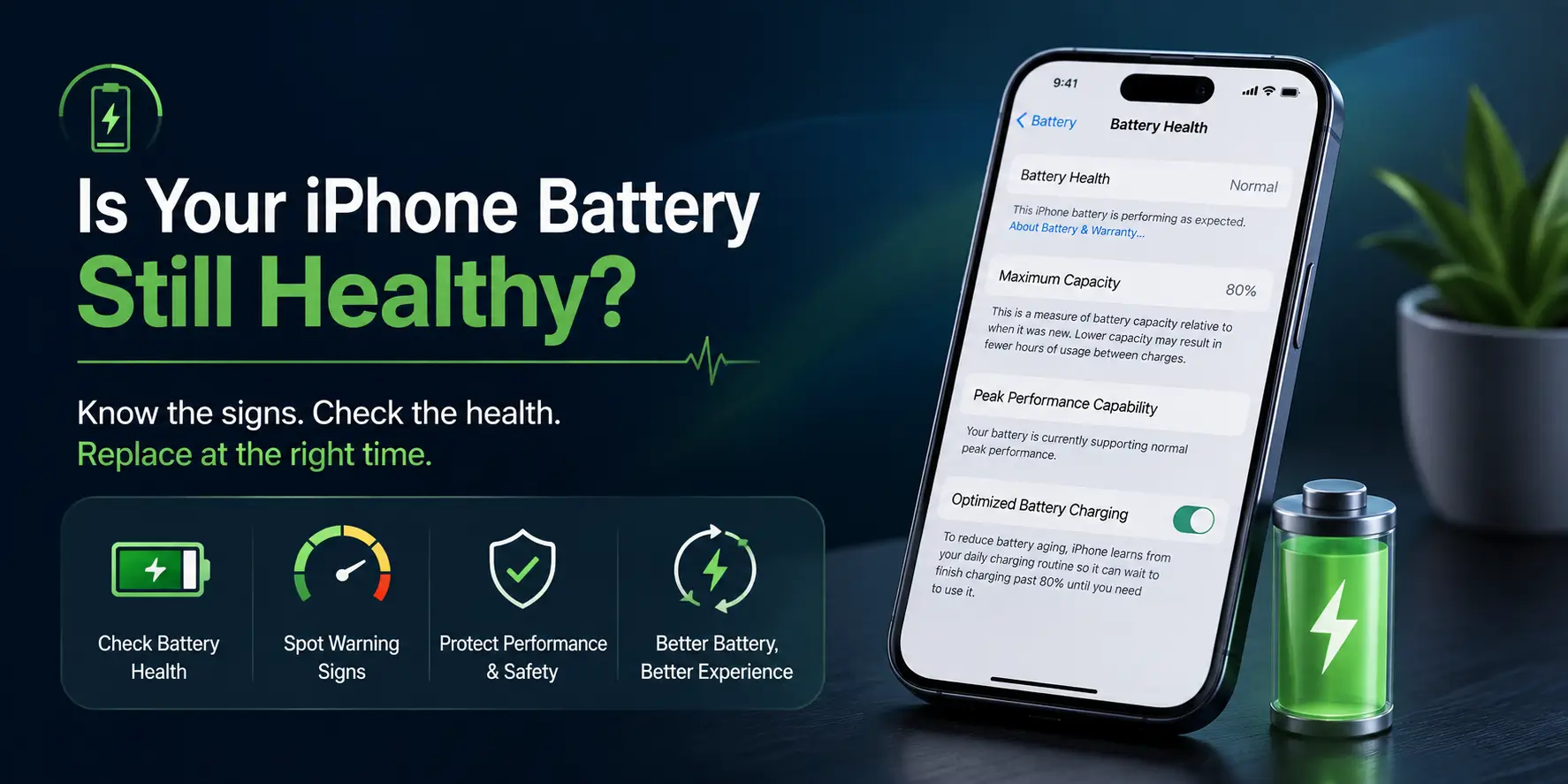
Replace your iPhone battery at 80% maximum capacity. That is the point Apple treats the battery as consumed, and where iOS may start managing performance. Replace sooner than 80% if the phone shuts down unexpectedly, drops percentage in jumps, or the battery is swelling.
What Battery Health Percentage Actually Means
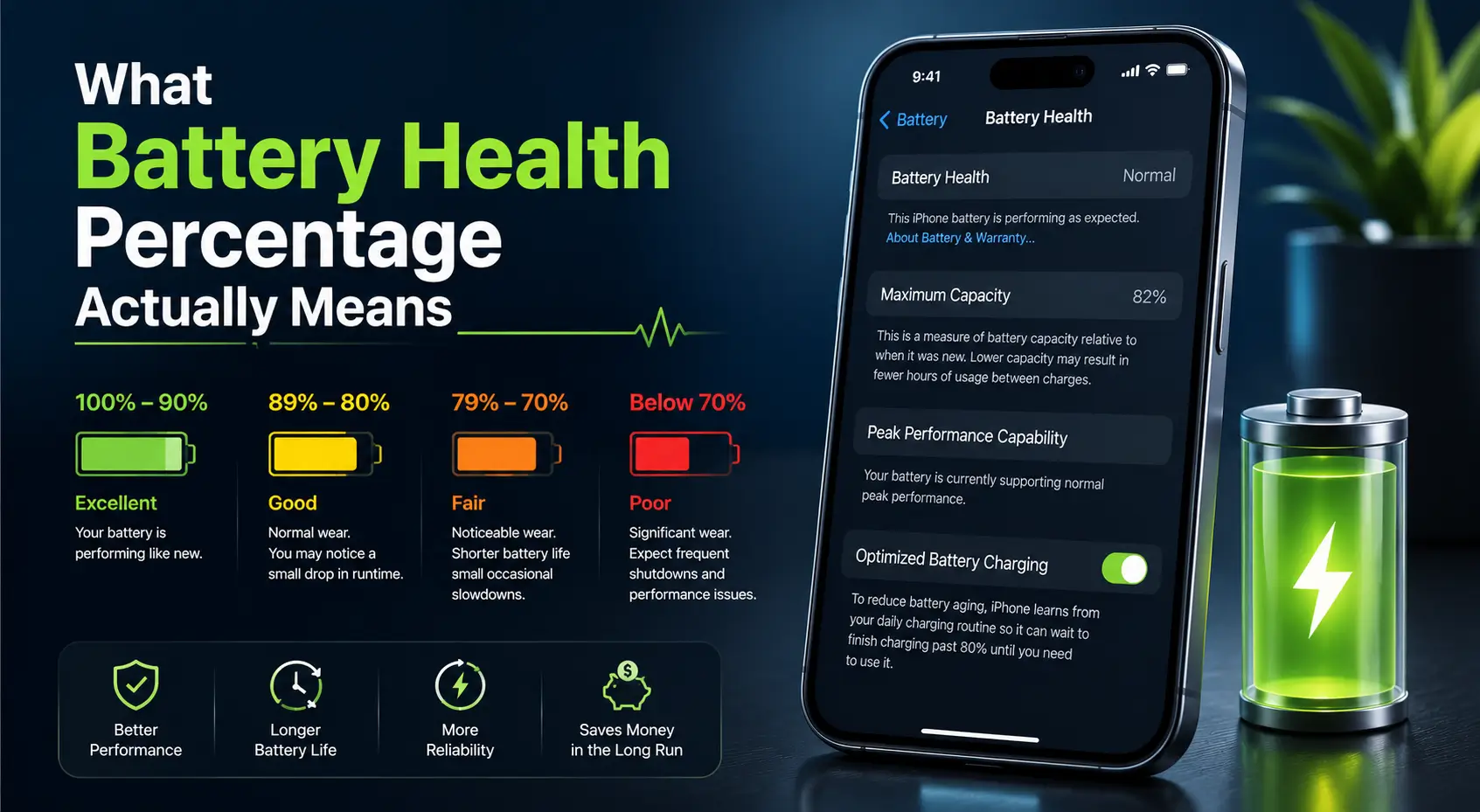
The Maximum Capacity figure in Settings is not a charge level. It compares what your battery can hold now against what it held when the phone was new.
At 85%, an iPhone 14 Pro Max holds about 3,675 mAh instead of its original 4,323 mAh. You have lost roughly 648 mAh — close to an hour of ordinary use. If you want the original figure for your model, see our iPhone battery capacity table.
When to Replace: The Thresholds
Use this as the decision table. The percentage alone is not the whole story, but it is the clearest starting point.
| Battery health | Status | What to do |
|---|---|---|
| 100% – 90% | Healthy | Nothing. This is normal for the first year. |
| 89% – 85% | Mild wear | No action needed. You may notice the phone finishing the day with less to spare. |
| 84% – 81% | Noticeable | Plan for it. Runtime loss is now obvious — expect to top up in the afternoon. |
| 80% | Apple's threshold | Replace soon. Apple considers the battery consumed at this point. |
| 79% – 70% | Degraded | Replace. Performance management may start throttling the phone. |
| Below 70% | Failing | Replace now. Unexpected shutdowns and rapid drops are likely. |
The short answer: replace at 80%. Apple rates iPhone batteries to hold about 80% of original capacity after 500 full charge cycles, and treats the battery as consumed below that. Waiting much longer means living with a phone that shuts down unexpectedly and runs slower than it should.
How to Check Your iPhone Battery Health
- Open Settings
- Tap Battery
- Tap Battery Health & Charging
- Read Maximum Capacity
On the same screen, check whether Peak Performance Capability shows a warning. A message saying your battery has experienced an unexpected shutdown means iOS has already begun throttling performance — replace the battery regardless of what the percentage says.
Replace Before 80% If Any of These Apply
The percentage is a guide, not a rule. Replace earlier if you see:
- Unexpected shutdowns — the phone dies at 20% or 30% remaining
- Sudden percentage drops — falling from 40% to 15% in minutes
- Slow performance that appeared alongside battery decline
- The phone only works while plugged in
- Swelling — a lifting screen or a case that no longer sits flat. This one is urgent. Stop using the phone and bring it in.
- Heat during normal use, not just while charging or gaming
Why Dubai Batteries Reach 80% Sooner
Heat ages lithium-ion cells faster than anything else, and Dubai delivers it for much of the year. Charging in a hot room, leaving the phone on a car dashboard, or using it outdoors in summer all accelerate the decline.
Apple's 500-cycle rating implies roughly two years of normal use. In practice we see UAE iPhones cross the 80% line closer to 16 to 20 months. If your battery health dropped faster than you expected, that is the usual explanation — not a faulty battery.
Three habits that measurably slow it down: avoid charging in direct sun or a hot car, take the phone out of a thick case if it gets hot while charging, and use Optimised Battery Charging so it does not sit at 100% overnight.
Is It Worth Replacing, or Should You Upgrade?
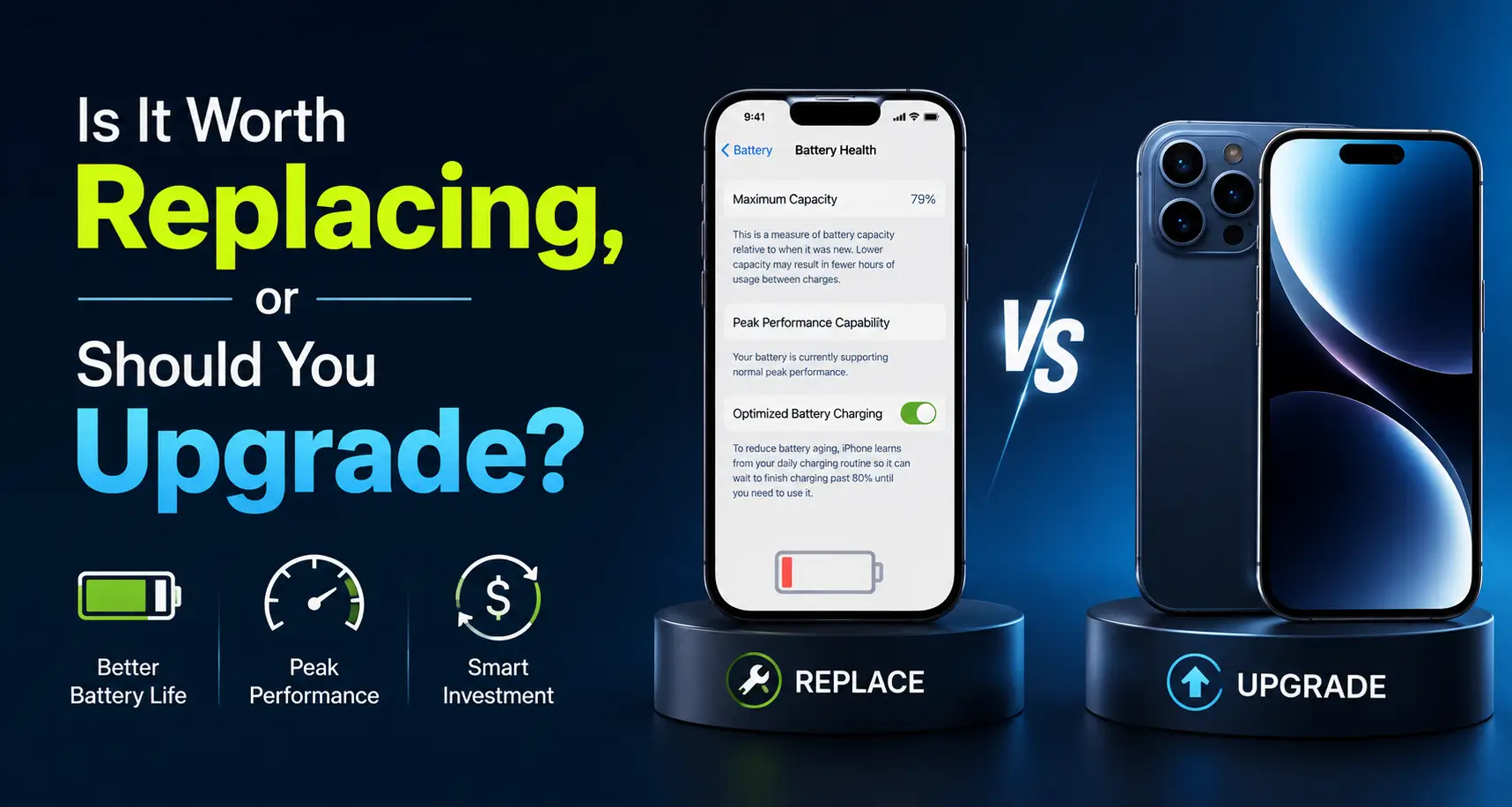
A battery replacement is the cheapest way to make an older iPhone usable again. If the phone is otherwise sound — screen intact, no water damage, still receiving iOS updates — a new battery restores the full original capacity for a fraction of a new handset.
Replacement stops making sense when the phone has several other faults at once, or when it is old enough to have dropped off iOS support. In that case put the money toward a newer device instead.
